
I have further improved my Obsidian vault to allow me to find the right tasks at the right moment, for example when I'm at the shops, or using my laptop. It is simple as using Obsidian's native tag capability to add a #context/shops at the end of a task, and then adding a simple "DataviewJS" query on a page to make them easily findable when I need them.
I've taken the time to record a quick demo, take a look here:
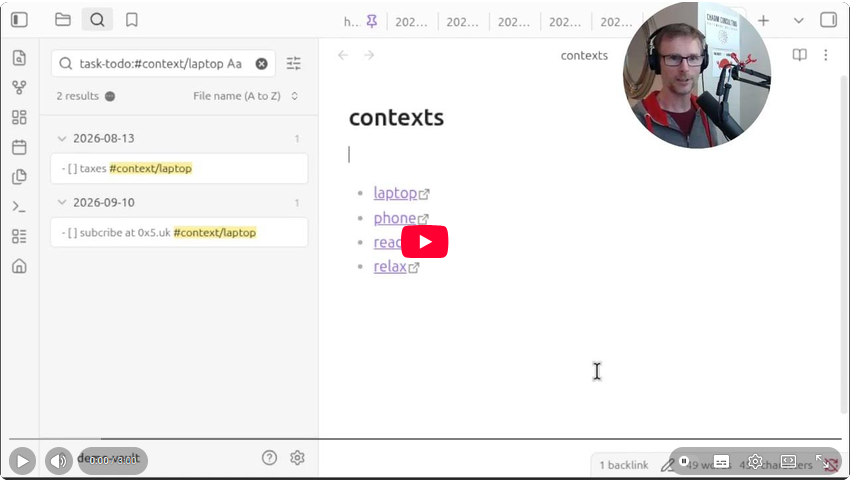
You can find the demo vault used in the video on github, including the "contexts" page that has the dataview query to retrieve context tags and their incomplete tasks
Here's the DataviewJS query for showing the context tags on an Obsidian page:
const tags = Object.keys(app.metadataCache.getTags())
  .filter(tag => tag.startsWith("#context/"))
  .sort();

const vault = app.vault.getName();

const links = tags.map(tag => {
  const label = tag.replace("#context/", "");
  const query = `task-todo:${tag}`;

  const url =
    `obsidian://search?vault=${encodeURIComponent(vault)}` +
    `&query=${encodeURIComponent(query)}`;

  return `[${label}](${url})`;
});

dv.list(links);